More independent users
They learn the product without waiting for a human response.
A question, a clear answer. NaveoFlow AI explains what to do using your content, then suggests the right guide or resource when it helps.

Where can I find my invoices?

In Settings, open Billing. Your invoices are available in the history, where you can download them.
See how NaveoFlow AI finds answers in your content and helps users move forward without leaving your application.

How do I invite a teammate?
Open Team, click Invite a teammate, then enter their email address.
I can also show you where to click.
The guide is open inside your application.
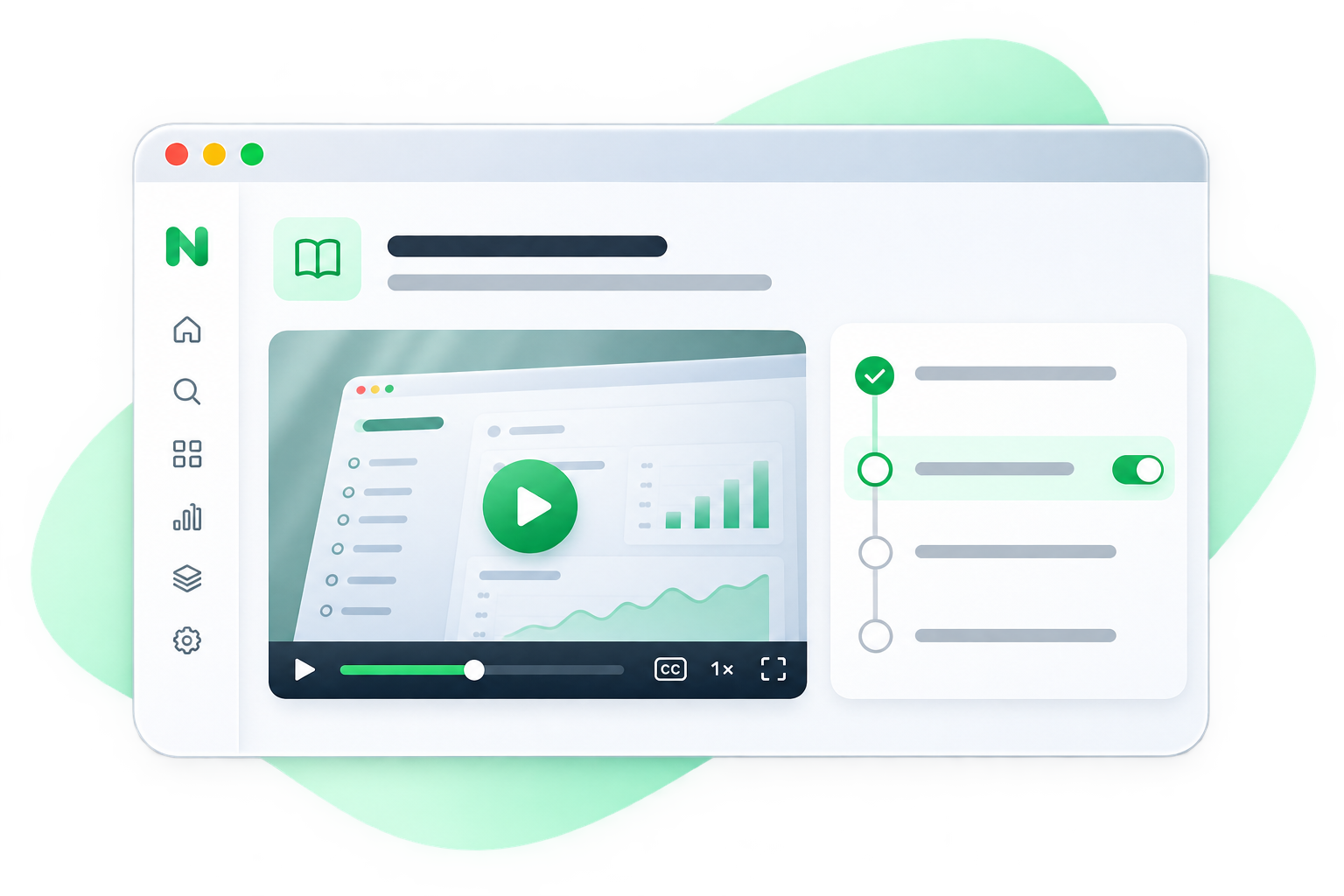 Video · Organize your team
What is the difference between admin and member roles?
An admin manages the workspace, its settings and access. A member uses the features and content they have access to.
An admin manages the workspace, its settings and access. A member uses the features and content they have access to.
A useful answer, grounded in your content.
Guides, videos, help articles and knowledge power your assistant’s answers. Users do not need to know where to look.
Explore the AI Help CenterA spoken or typed question. A clear answer. And when needed, a guide that shows what to do next.
MayaYour product assistantHow do I update my company information?
In Settings, open Company. Update your details, then save your changes.
Welcome, SarahFirst visitNeed help finishing your setup?
Targeted help, based on your display rules.
Users can open the assistant themselves and, when supported by the configuration, receive help during onboarding or on specific pages. A subtle invitation is often enough.
Targeted help, based on your display rules.Personalize its name, avatar, voice and welcome message. See the result instantly, just as your users will.
 Live preview
Hello, what would you like to do today?
They learn the product without waiting for a human response.
New users can find relevant steps when they need them.
Common questions can be answered using your existing resources.
Guides, videos and articles become available through conversation.
Give them a clear answer, the right content and, when they need it, a guide to move forward. Your assistant connects it all.
14-day trial · No credit card · No code